Installation
To use this tool, you must install both the Gemini CLI tool and the Sublime Text package.
Install Gemini CLI
System Requirements
Before installing, ensure your system meets the minimum requirements:
- Operating System: macOS 15+, Windows 11, or Ubuntu 20.04+
- Runtime: Node.js 20.0.0+
Installation Methods
Requirement: gemini-cli version 0.34.0 or higher is required.
Global Installation (Recommended)
You can install the CLI globally using your preferred package manager:
- via npm:
npm install -g @google/gemini-cli - via Homebrew (macOS/Linux):
brew install gemini-cli - via MacPorts (macOS):
sudo port install gemini-cli
Install GeminiCLI in Sublime Text
Via Package Control (Recommended)
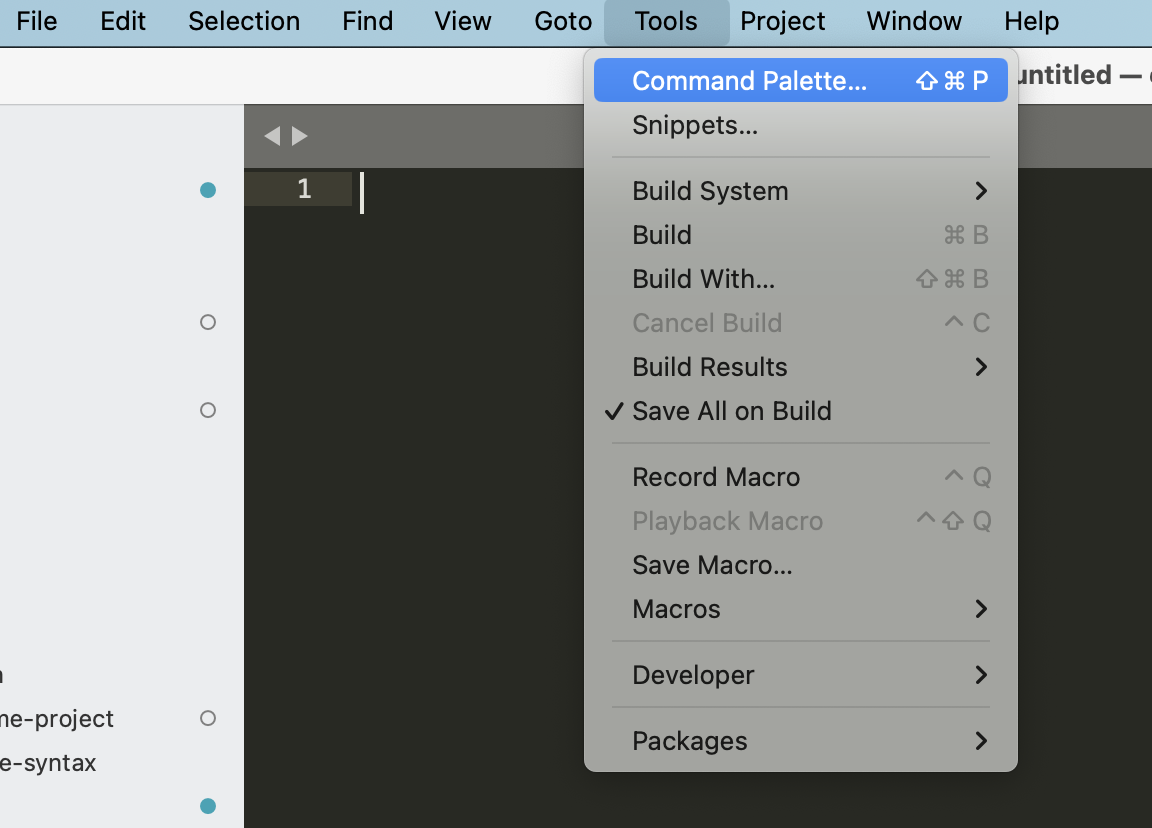
The easiest way to install Gemini SublimeText is through Package Control:
- Open the command palette (
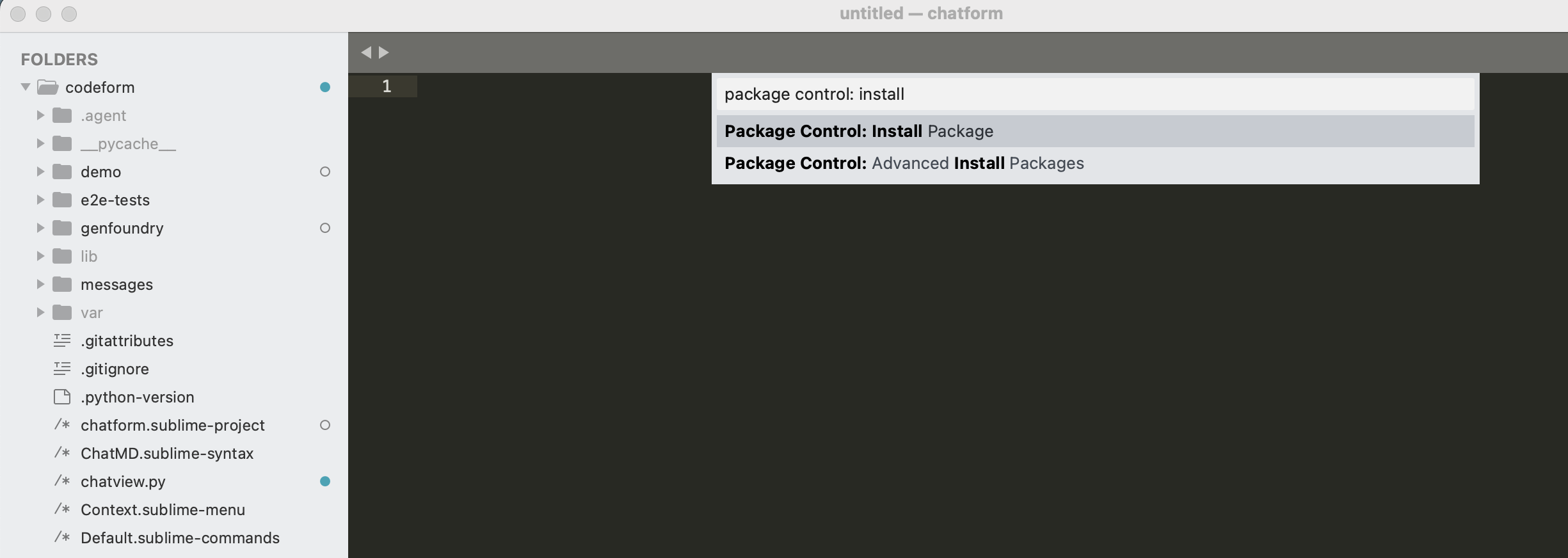
Cmd+Shift+Pon macOS,Ctrl+Shift+Pon Windows/Linux). - Type
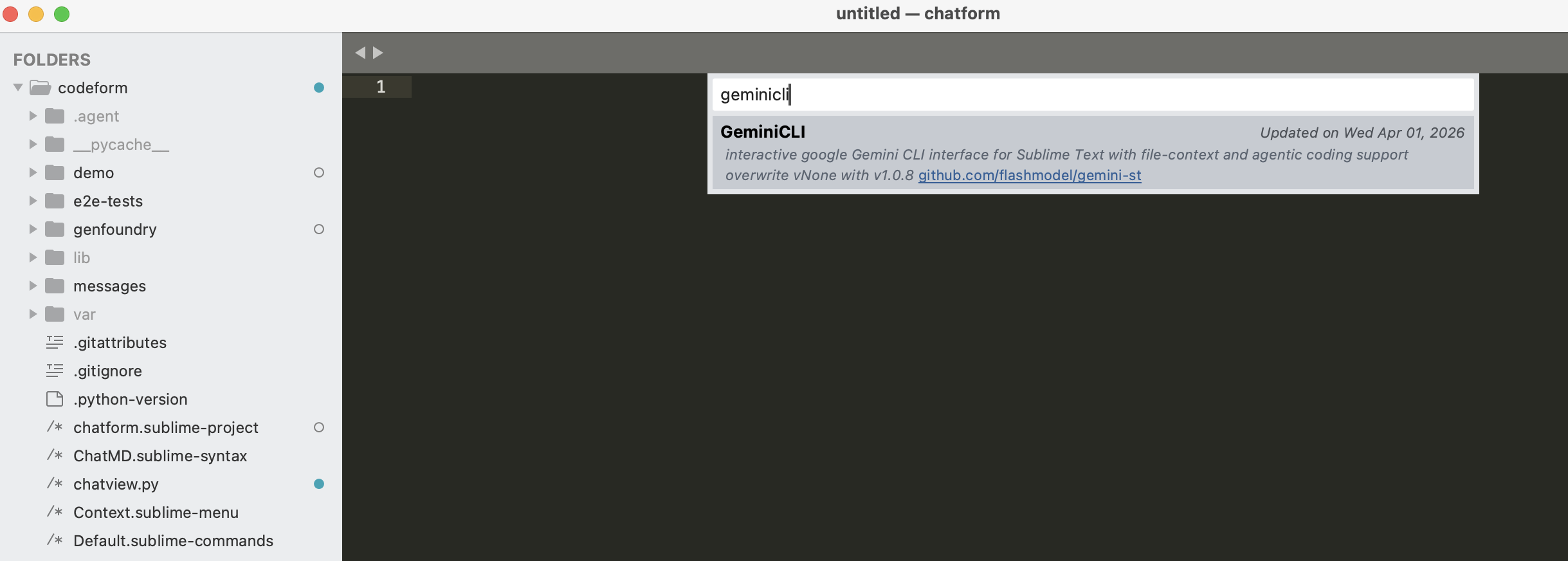
Package Control: Install Packageand pressEnter. - Search for
GeminiCLIand pressEnter.
Configuration
If the command line tool is installed in a non-standard path, or you wish to use a specific gemini version, you can manually set the path in Preferences -> Package Settings -> GeminiCLI -> Settings.
Example gemini_command paths:
- Windows:
"C:/Users/myname/AppData/Roaming/npm/gemini.cmd" - macOS/Linux:
"/usr/local/bin/gemini"